CPA Networks
 Ad Networks
 Affiliate Programs
 Offer base




Running mobile campaigns, warming up ad accounts, or QA-testing an app at scale usually means one of two headaches: buying and babysitting a farm of physical phones, or relying on desktop emulators or anti-detect browsers that get flagged the moment an ad network or social platform takes a closer look. PhoneGrid is built to remove both problems by giving affiliate marketers, media buyers, SMM managers, and developers on-demand access to genuine, cloud-hosted Android devices — not simulated ones.
This review breaks down what PhoneGrid actually offers, how its automation tools work, what it costs, and who it’s realistically built for.
Built by AffRoom, a knowledge base for affiliates and ad & CPA networks — so once you’ve weighed PhoneGrid against your current farm or emulator setup, you can browse our other tools and multi-accounting reviews and line up traffic sources to run through it.

What Is PhoneGrid?
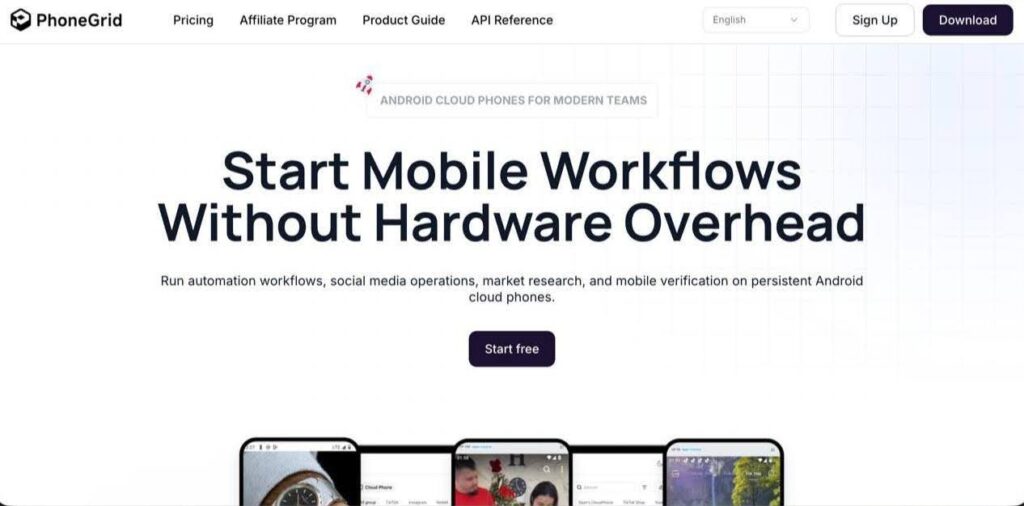
PhoneGrid is a cloud platform that provisions real, remote Android environments instead of software-based emulators. Because sessions run on genuine mobile infrastructure rather than a virtualized desktop environment, the devices behave — and get treated by apps and ad networks — like real phones. That’s the platform’s central selling point: a meaningfully lower ban risk than the emulator software many affiliates have historically relied on for account farming, ad verification, and app testing.
Key Platform Capabilities
- Interruption-free sessions — stable connections with minimal dropped sessions.
- Native app support — test and run mobile apps in their original environment, not a simulated one.
- Built-in RPA — automate repetitive workflows with custom or pre-made action templates.
- Multi-device synchronization — mirror actions from one “master” profile across unlimited connected devices.
- API and MCP integration — connect PhoneGrid to internal tools, trackers, or AI agents.
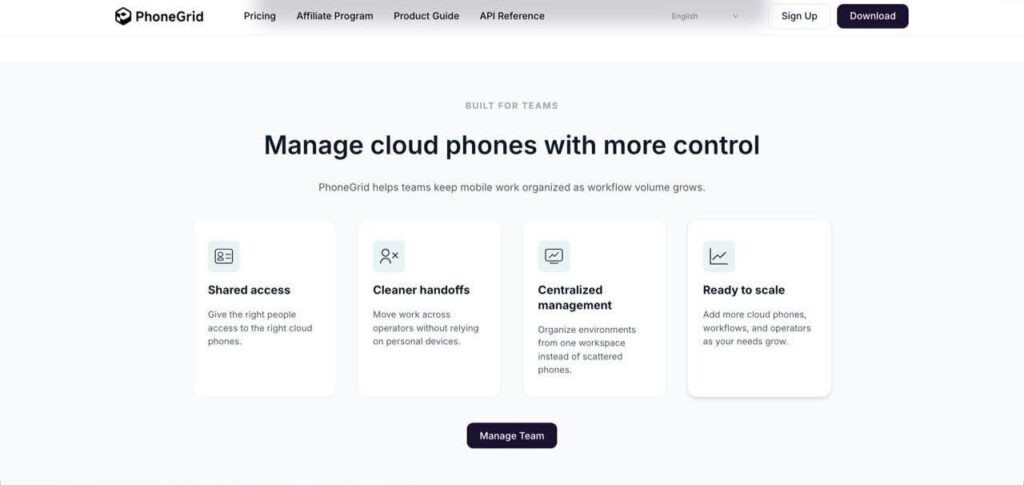
- Team infrastructure — a centralized console for managing shared profiles and permissions.
- Instant scaling — spin up hundreds of independent profiles on demand.
- Zero local hardware — everything runs in the cloud, cutting the capital cost of maintaining physical devices.

How to Get Started with PhoneGrid
- Go to the PhoneGrid website and sign up with an email/password or a Google account (enter an invite code here if you have one).
- Download the desktop client for Windows or macOS and launch it.
- Select your primary use case — affiliate marketing, cloud gaming, digital marketing, or QA app testing.
- On the dashboard, choose how many cloud phones you need and click Create Profile.
- Set billing preferences, pick a device model, and enter your proxy credentials in the same window.
Important setup note: PhoneGrid does not bundle proxies. It’s a pure cloud-infrastructure provider, so you’ll need your own proxy servers on hand — profile configuration won’t complete without one.
Once configured, profiles appear under the Profiles tab, ready to launch and manage in real time.
Practical Use Cases
PhoneGrid’s flexibility makes it applicable across several affiliate and performance-marketing workflows:
- Building scalable mobile phone farms.
- Mass social media management and content distribution.
- App testing and QA.
- Ad verification and campaign auditing.
- Market research and competitor analysis.
- Automating repetitive mobile web tasks.
- E-commerce funnel testing and customer journey mapping.
Built for Teams
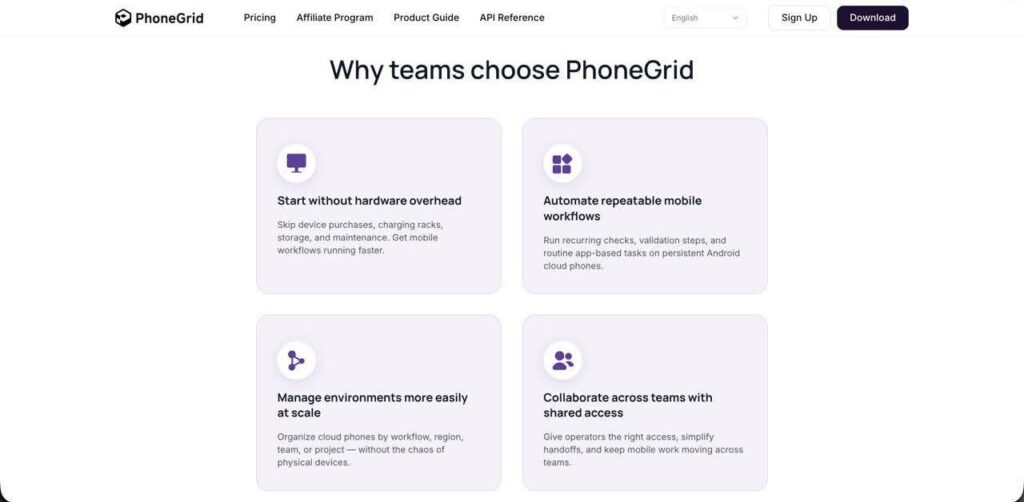
PhoneGrid’s collaboration layer is aimed squarely at B2B operations: shared access to cloud phones, task delegation between operators, a centralized workspace, and the ability to group profiles by project, GEO, or sub-team. Compared with running a physical device farm, teams get a few concrete advantages:
- No hardware overhead — no upfront device purchases, batteries, or repairs.
- Always-on availability — devices run 24/7 without needing to be charged.
- Global access — teammates in different countries can connect to the same device simultaneously.
- Instant deployment — new environments spin up in seconds.
Automation Tools
Synchronizer
A bulk-action tool: designate one “master” Android profile, and every connected “child” profile mirrors your clicks, scrolls, and text input in real time.
RPA (Robotic Process Automation)
A no-code module for building custom behavioral scripts — or using pre-made templates — that run autonomously on cloud phones. It’s positioned for emulating human behavior, warming up ad accounts, bulk-uploading content, and farming accounts without writing code.
API Integration
Connects PhoneGrid’s infrastructure to internal software, trackers, analytics dashboards, or bots, enabling automated log retrieval, profile status tracking, and bulk command execution.
MCP (AI Integration)
Lets AI agents operate inside cloud Android environments — opening apps, running basic tests, scrolling feeds, clicking links, and scraping data without manual oversight.
Skills
A recording tool for turning a sequence of taps, app launches, and text inputs into a reusable, no-code script that can run simultaneously across an entire device fleet.
PhoneGrid Pricing
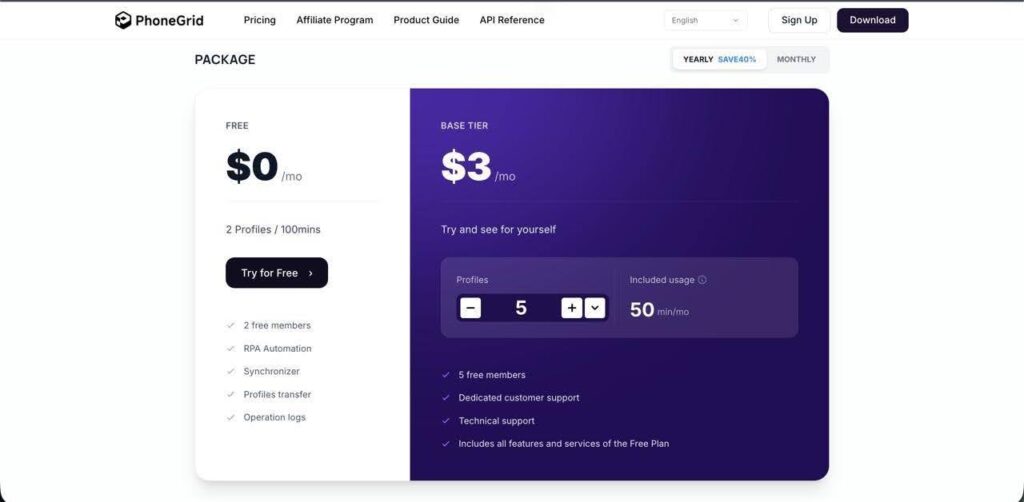
PhoneGrid runs a simple two-tier structure:
| Feature | Free Plan | Basic Plan |
|---|---|---|
| Price | $0 USD | From $3 USD/month (billed annually) |
| Profile limit | 2 | 5 |
| Free team members | 2 | 5 |
| Included CloudPhone minutes | 100 mins (one-time welcome bonus) | 50 mins/month |
| RPA automation | Supported | Supported |
| Synchronizer | Supported | Supported |
| Profile transfer | Supported | Supported |
| Operation logs | Supported | Supported |
| Dedicated support line | No | Yes |
| Technical support | Standard | Priority |
Usage beyond included minutes is billed dynamically at roughly $0.006 USD per minute, with a daily cap of $1.50 USD per active profile. Running low on minutes just means topping up your balance — and for larger operations, PhoneGrid supports stacking additional minute packages or switching to a flat-rate unlimited monthly rental.
Payment Methods
There’s no forced minimum deposit; billing is calculated dynamically based on active profiles and runtime. Supported channels include:
- Cards: Visa, Mastercard, American Express.
- Crypto: BTC, ETH, LTC, DOGE, USDT (BSC & TRC20), USDC.
- Russia: Faster Payments System (SBP).
- Regional gateways (GEO-dependent): MOMO, Dragonpay, Ininal, POKU Wallet, PAYNOW, South Africa Bank Transfer, M-PESA, Airtel, Tigo Pesa, FPX, Alfa, Pago, Pix, Banco de Crédito BCP, Redpagos, Efecty, SPEI.
Referral Program
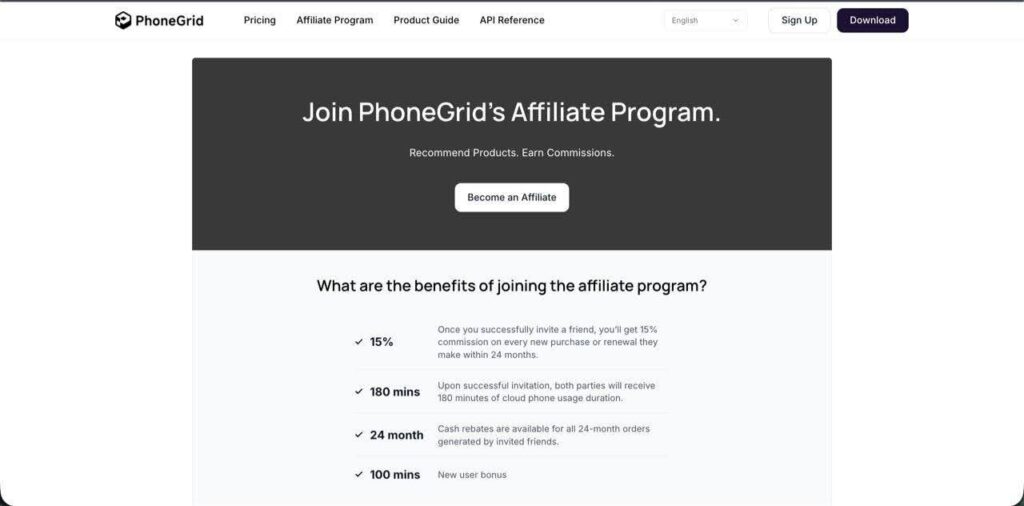
PhoneGrid runs a built-in affiliate program: request a referral link from the user dashboard and share it wherever you drive traffic. Terms:
- 15% recurring commission on every order or subscription renewal made by a referral.
- Commissions pay out for 24 months from the referred user’s registration date.
- 180 CloudPhone minutes credited to both referrer and referee.
- 100 extra bonus minutes for the new user when signing up through a referral link.
Customer Support
Free-plan users get standard technical support; upgrading to the Basic plan unlocks priority troubleshooting and a dedicated account manager. Support covers profile deployment, RPA script configuration, payment verification, and affiliate payouts. A documentation hub is also available for self-service guides on proxies, automation, and general setup.
FAQ
Does PhoneGrid include proxies?
No. PhoneGrid is a cloud-infrastructure provider only — you need to bring your own proxy servers, and profile setup won’t complete without one.
How is usage billed?
Beyond the included plan minutes, usage bills at roughly $0.006 USD per minute, capped at $1.50 USD per profile per day. You can top up your balance or move to a flat-rate unlimited rental for heavier use.
Can PhoneGrid be used without coding experience?
Yes. The RPA and Skills modules are built as no-code tools, letting you record or template automation scripts without writing anything yourself.
Is PhoneGrid suitable for teams?
Yes — it includes a centralized management console, task delegation, and profile grouping by project, GEO, or sub-team, along with free team member seats on both plans.
The Bottom Line
PhoneGrid positions itself as a practical alternative to physical device farms and detection-prone emulators, combining genuine cloud-based Android environments with no-code automation (RPA, Synchronizer, Skills) and developer-facing integrations (API, MCP). For affiliates and media buyers running account warm-up, ad verification, or multi-account social workflows at scale, that combination — paired with a low-cost entry tier — makes it worth testing against whatever farm or emulator setup you’re currently running.
Once your device stack is sorted, the next step is lining up traffic and offers to run through it. Sign up free on Affroom to browse vetted CPA networks, ad networks, and current affiliate offers in one directory.